






Everything you need to know!
-
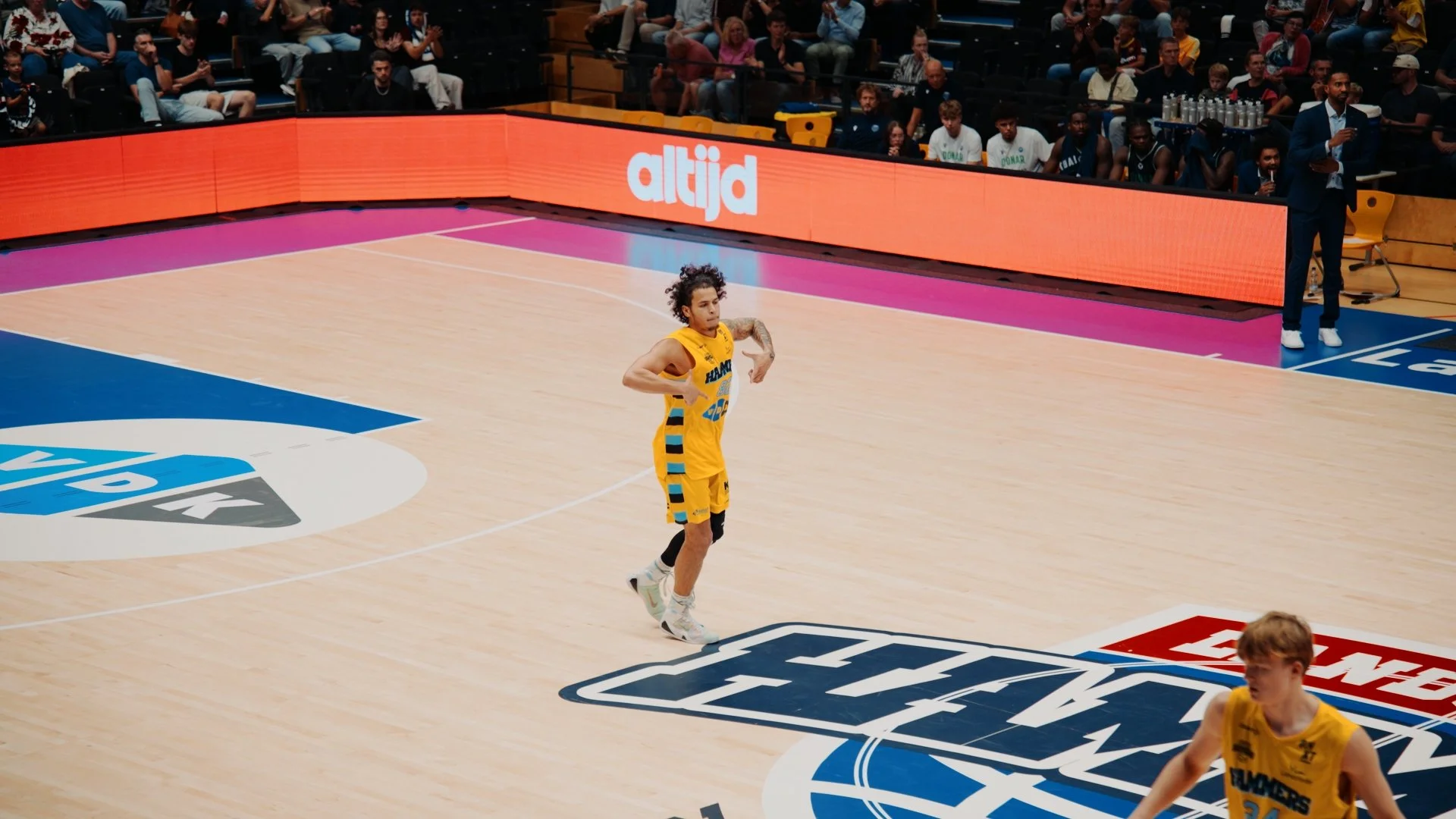
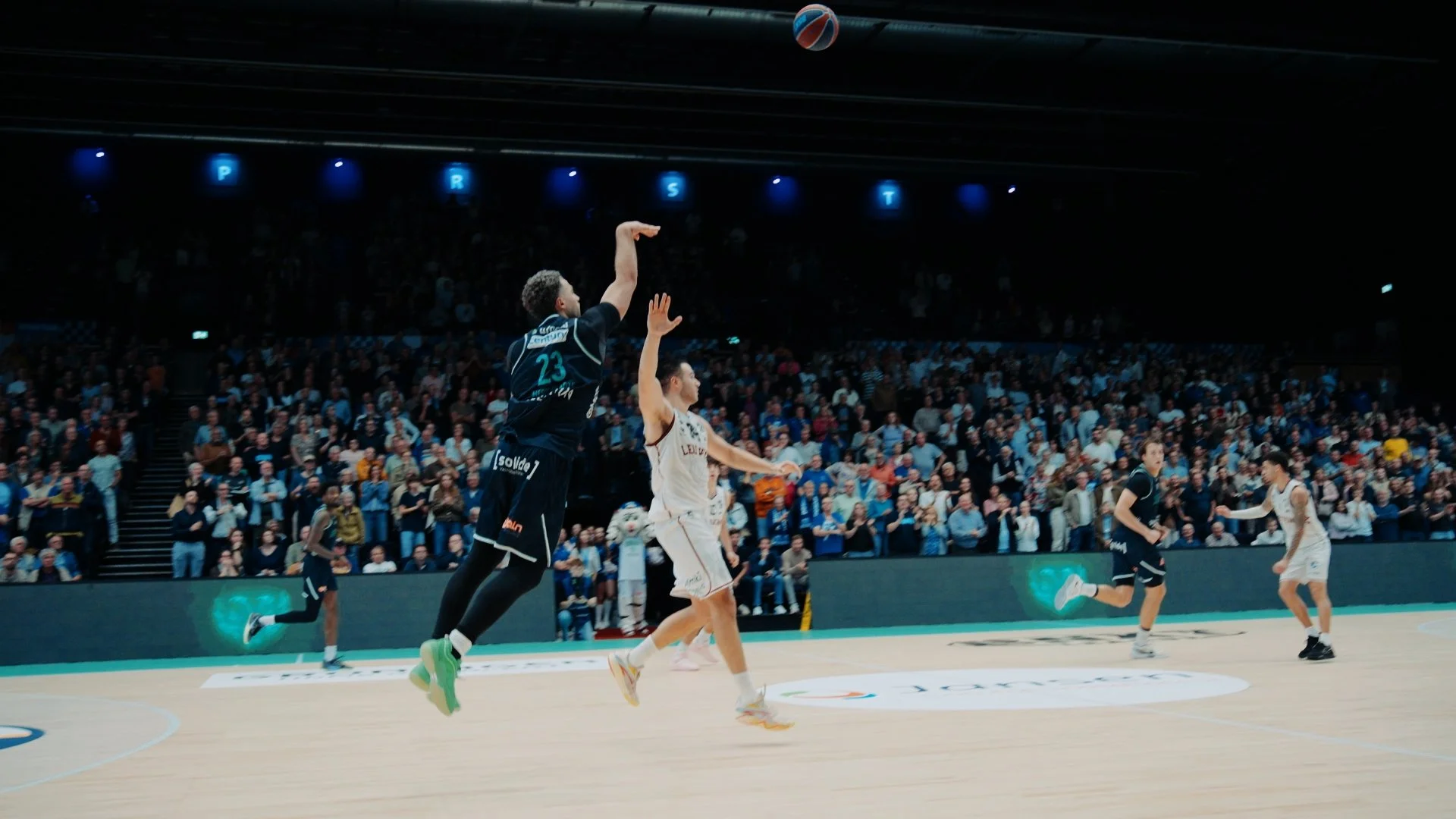
HARDWOOD is a color grading LUT for Sony S-Log3 footage. I built it from my own sports work: game nights, arenas and courtside moments. It’s for creators, editors and videographers who want a clean, cinematic look without spending hours on color grading. One look, every clip.
-
Three things: footage shot in S-Log3, an editor that supports .cube LUTs (DaVinci Resolve, Final Cut Pro or Premiere Pro), and correctly exposed clips. Your purchase is a digital download, so you get the .cube file right after checkout.
-
First set your white balance and exposure. Then apply HARDWOOD:
In DaVinci Resolve, on a node in the Color page.
In Final Cut Pro, with the Custom LUT effect.
In Premiere Pro, under Lumetri Color → Creative → Look.
You don’t need any color grading experience. Drop it on, check it, and post.
-
Close, as long as your S-Log3 footage is properly exposed and white balanced. Every camera, lens and lighting setup reacts a little differently, so small tweaks to exposure or intensity can make it perfect. A LUT can’t rescue footage that’s badly underexposed or overexposed.